
How to initiate a remote assistance request from ARE IT?
Windows
1. Open your favorite web browser and go to https://get.teamviewer.com/calshelp
2. Open and run the .executable, once you do that you should be presented with a window that looks like this
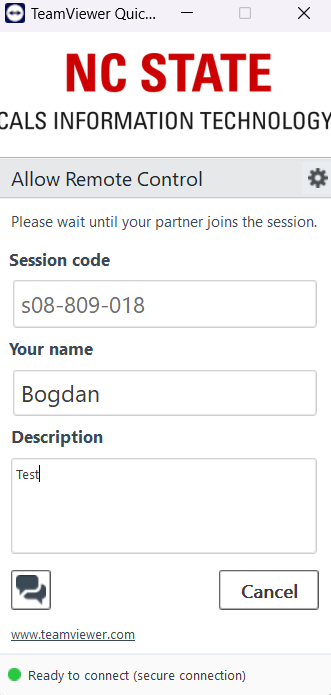
3. You will get another prompt that a user is attempting to remotely control your machine, once that happens you will need to press Allow/Yes.
Mac OS
1. Open your favorite web browser and go to https://get.teamviewer.com/calshelp
2. Download the teamviewer file and run it, you will need to approve the privacy & security settings that TeamViewer asks for once it’s ran, otherwise we won’t be able to help you.